.png)
How to Edit Site Description (Not Site Type)
You have already created a site type and would like to update or add additional information to the individual sites.
First you will want to go to the campground settings
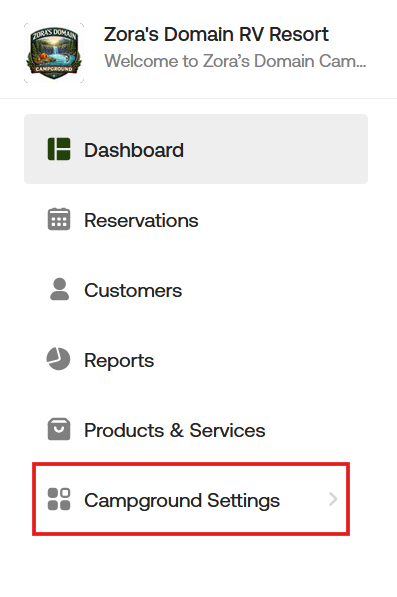
Next, go to "Site Types & Sites," select "All Sites," then locate the site you want to edit and double-click its name.

After double-clicking the site you want to edit, you will be taken to the next page where you can update the description for the site. Editing an Site Type is a separate process. Click here to learn how to edit a site type.

Select save and you are done! You can double check by looking at your guest portal.

If you have any questions or want clarification on how to edit individual sites description, please reach out at [email protected] and we can review it with you.