.png)
What are "Draft" Reservations?
Draft reservations appear on the Dashboard and in the Reservations tab when a booking is in progress, but not yet completed on the Guest Portal or the Manager Portal.
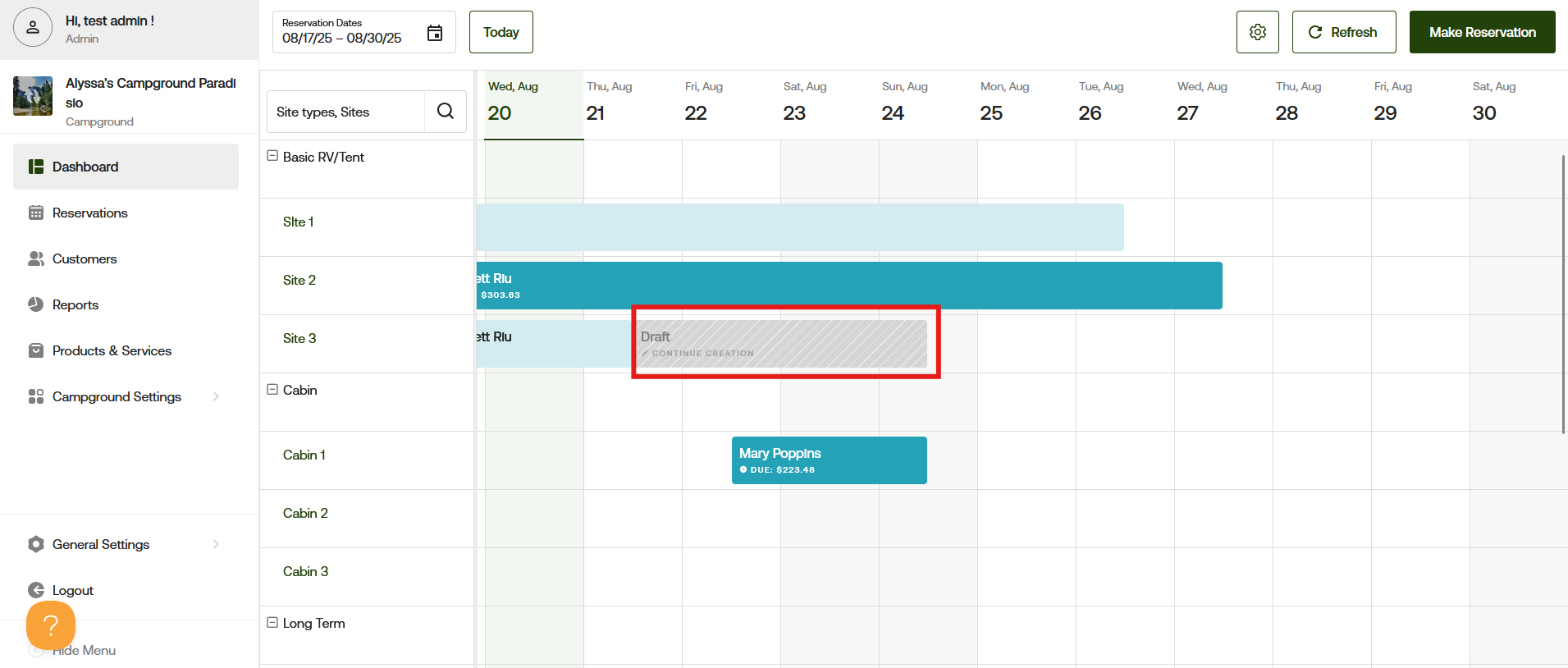
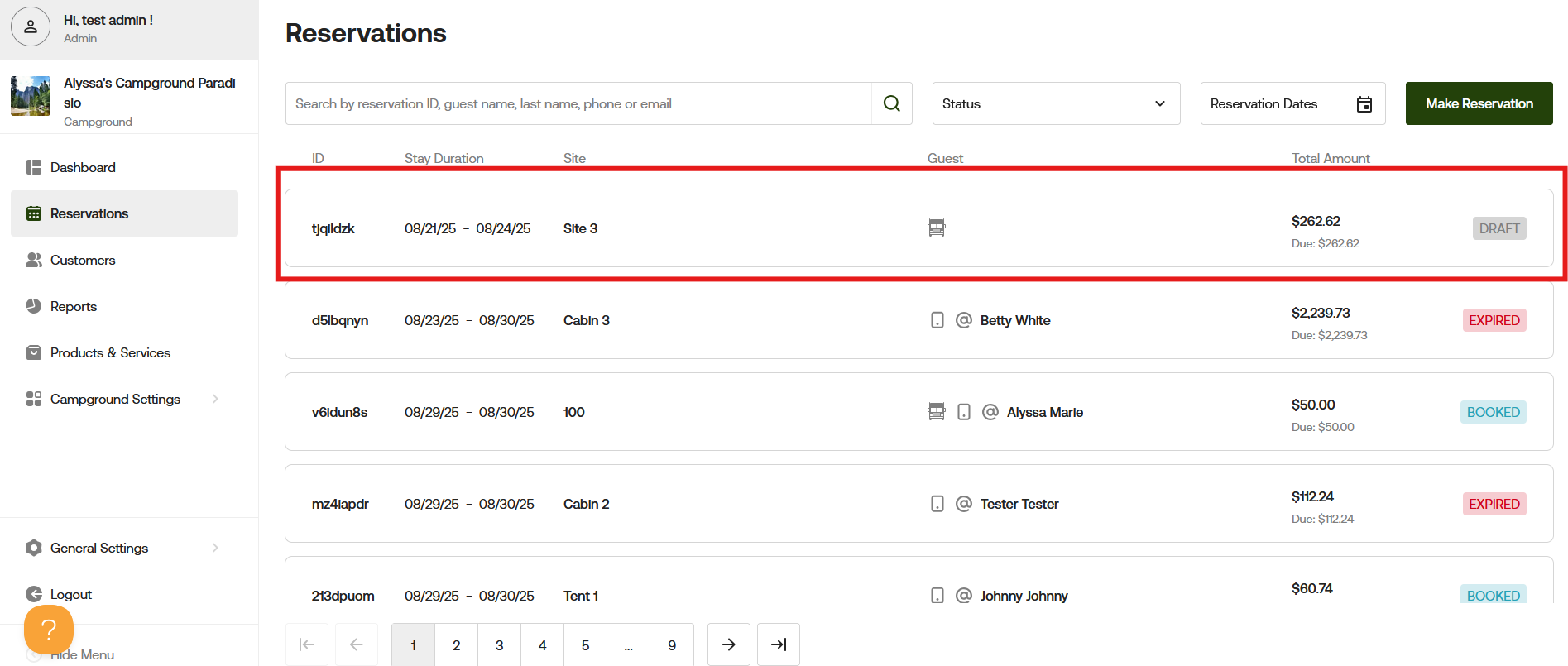
Guest Portal
The Guest Portal allots 30 minutes for guests to complete booking their reservation. The Draft status of the reservation holds the site for that guest during that time. Once a guest successfully completes the booking process, the reservation will show as "Booked" for campgrounds that accept instant bookings or "Booking Requested" for campgrounds that do not accept instant bookings.
If the booking process is not completed within the allotted 30 minutes, the Draft reservation will become "Expired."
Manager Portal
Reservations started in the Manager Portal are 30 days to complete the reservation. A reservation has a status of Draft until the final step of selecting a Payment Type and click the "Create a reservation" button. Read about creating reservations in this article.
If the booking process is not completed within the allotted time, the Draft reservation will become "Expired."
You can learn more about Expired reservations here.
If you have any questions or need help understanding what drafts are, please reach out at [email protected] and we can review it with you.